Pacing in film editing is the speed and rhythm at which the story reaches the audience, and the editor controls it through how long each shot stays on screen, where each cut lands, and what the sound is doing underneath. Good pacing does not mean fast. It means the audience feels each scene moving at the speed it should, whether that is a car chase or a quiet argument at a kitchen table.
What pacing in film actually is
People mix up two ideas. Pacing is the overall speed of the story: how quickly information, conflict and emotion arrive. Rhythm is the pattern of cuts inside a scene: long, long, short, short, long. Rhythm is how you build pacing.
Four things shape both:
- Shot length. How long the audience stays in each shot.
- Cut placement. Cutting on a gesture, a line of dialogue or a reaction changes how the cut feels.
- Sound and music. Sound can speed a scene up or slow it down without touching the picture.
- What you leave out. Trimming and removing material is the biggest pacing tool you have. A slow film is rarely slow because of its cuts. It is usually slow because it stays in scenes too long.
If you are new to the craft, our film editing for beginners guide covers the basic workflow these techniques sit on top of.
Rhythmic editing: cutting to a pattern
Rhythmic editing means setting up a pattern of cuts and then using it. A steady rhythm pulls the audience along. Breaking the rhythm makes them sit up. Soviet filmmaker Sergei Eisenstein built whole sequences this way, most famously the Odessa Steps in Battleship Potemkin (1925).
Walter Murch, the editor of Apocalypse Now and The English Patient, offers a simple test in his book In the Blink of an Eye: a good cut works like a blink. You blink when one thought ends and another begins, and a cut should fall at the same kind of moment. If a cut feels wrong, ask what thought the audience is having at that exact frame.
Murch's rule of six: put emotion first
Murch ranks what a good cut should do, in order of importance:
| Priority | Criterion | Weight |
|---|---|---|
| 1 | Emotion: does it fit what the audience should feel? | 51% |
| 2 | Story: does it move the narrative forward? | 23% |
| 3 | Rhythm: does it land at a satisfying moment? | 10% |
| 4 | Eye trace: does it respect where the viewer is looking? | 7% |
| 5 | Two-dimensional plane: does it keep screen direction? | 5% |
| 6 | Three-dimensional space: does it keep the geography of the scene? | 4% |
The weights are Murch's own rough guide, not a measured result. The lesson is useful anyway: if a cut gets you a perfect rhythm but loses the emotion of a moment, it is the wrong cut.
Eight pacing techniques that work
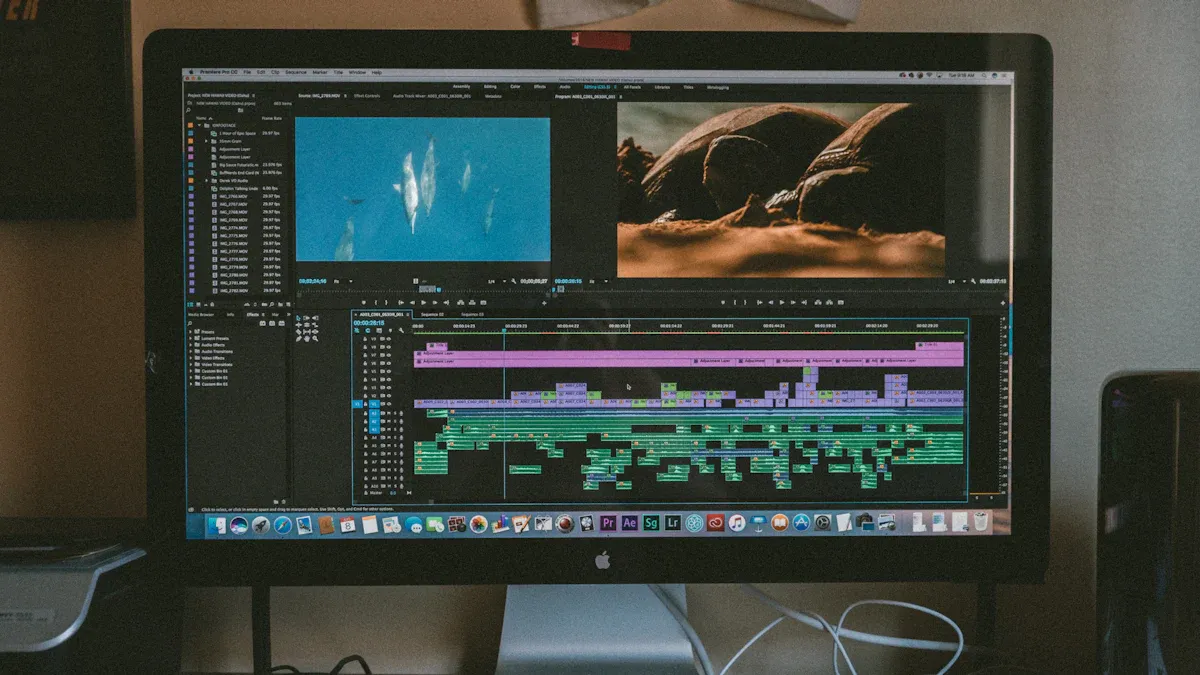
1. Come in late, leave early
Start each scene as close to the point as you can and get out before the characters finish saying goodbye. Cut the walk up the driveway, the hello, the pause before the door opens. This one habit tightens more cuts than any effect.
2. Cut on action
Cut while a character is mid-movement, such as halfway through opening a door or turning a head. The movement hides the cut, and the audience stays in the flow of the scene instead of noticing the edit. Matching the motion across the two shots is what sells it.
3. Let reactions breathe
A reaction shot held a beat longer than feels comfortable is often the best moment in a scene. Do not cut away the instant a line ends. The audience wants to see the line land.
4. Overlap sound with J-cuts and L-cuts
In a J-cut the next scene's audio starts before its picture. In an L-cut the previous audio carries over into the next shot. Both stop dialogue scenes from feeling like a series of separate boxes and are the fastest way to smooth a choppy conversation.
5. Vary the rhythm for contrast
A film that cuts at one speed from start to finish numbs the viewer. Put a long, still shot after a burst of short ones and the quiet feels louder. Contrast is what makes both the fast and the slow parts work.
6. Use music and silence deliberately
Cutting to the beat gives energy and a sense of control. Cutting against it creates unease. Silence is a pacing tool too. A Quiet Place builds almost its entire tension from the absence of sound, which makes every small noise feel enormous.
7. Manipulate time
Slow motion stretches a moment so the audience feels its weight. Speed ramps and time-lapses compress it. Montage skips hours in seconds, and flashbacks or flash-forwards change when the audience learns things. All of these change the perceived speed of the story without changing the length of the film.
8. Trim by feel, then test with fresh eyes
You cannot judge your own cut after the fortieth viewing. Watch it with someone who has never seen it and note where they lose interest. Pull a cut a few frames earlier or later and watch again. Small shifts are felt more than they are seen.
Pacing examples from real films
Mad Max: Fury Road. The cutting is extremely fast, yet it is easy to follow. Editor Margaret Sixel has described tracking the main characters through the stunt action so viewers never lose them, and the film is widely discussed for centering key subjects in the frame so each new shot places the eye in the same spot. She also kept quiet emotional moments in the mix, which makes the chases land harder.
The Godfather baptism sequence. The film intercuts a church baptism with a series of murders, with the organ music tying it together. The cuts are measured, not frantic. The tension comes from the contrast between the ceremony and the violence, not from speed.
Pulp Fiction. The structure itself is the pacing tool. Rearranging the story out of order changes when the audience gets information and keeps them leaning forward, and Sally Menke's cutting holds long dialogue scenes together by trusting performance.
A useful exercise is to pick a scene you love, time each shot with a stopwatch, and chart how the lengths change. You will see the pattern the editor built.
Pacing different kinds of scenes
| Scene type | What usually works |
|---|---|
| Dialogue | Overlap audio, let key lines and reactions breathe, cut dead air |
| Action | Shorter shots, consistent screen direction, clear geography |
| Suspense | Hold shots longer than comfortable, then break the pattern |
| Emotional or quiet | Fewer cuts, longer takes, trust the performance |
| Montage | Strong rhythm, cut to the music, vary shot sizes |
If a scene is not working, the cause is often upstream. A film shot without enough coverage gives the editor nothing to vary, which is why a thorough shot list pays off in the edit. Movement inside the frame also affects how fast a shot feels, so see our guide to camera movements.
How to fix a scene that drags
- Watch the scene once without stopping. Note timecodes where your attention drifts.
- Decide whether the problem is a shot that is too long, information the audience already has, or a scene in the wrong place.
- Trim the heads and tails of each shot first. Then remove any shot that repeats information.
- Check the sound. Often a gap, a flat music cue or a missing room tone makes a scene feel slower than it is.
- Watch again with fresh eyes, or show it to someone new.
Working with the director
Pacing is a shared decision. Before you cut, agree on references: films whose speed and feel you both like. When you disagree, cut both versions and compare them back to back. Most arguments about pacing end once you can watch the two options in sequence.
Software for editing pace
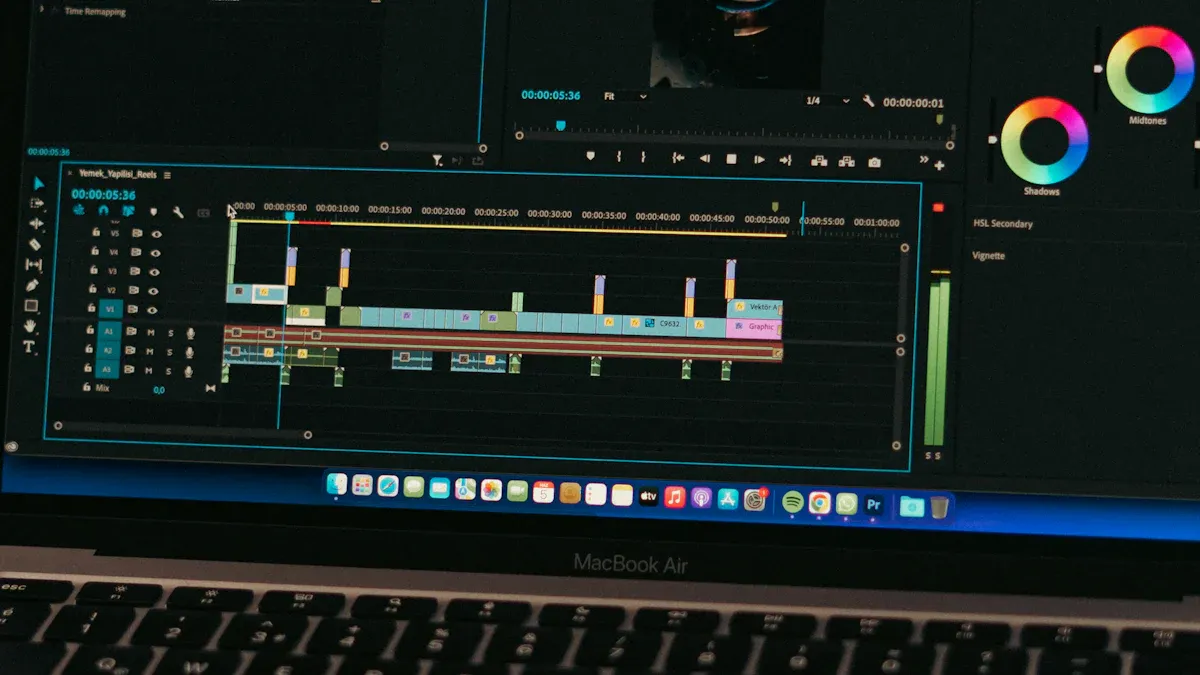
Any editor with ripple trimming and J-cut and L-cut tools will do. You do not need a paid program to learn pacing. Our guide to the best free video editing software for filmmakers compares options that cover everything above.
Final thoughts
Pacing is learned by cutting, watching and recutting. Study scenes that work, time their shots, and trim your own work harder than feels comfortable. Most first cuts are too long.
Frequently asked questions
What is pacing in film?
Pacing is the speed and rhythm at which a film's story unfolds. Editors control it mainly through shot length, how often and where they cut, the use of sound and music, and which material they trim or remove.
What is rhythmic editing?
Rhythmic editing is cutting to a deliberate pattern, usually tied to the beat of music, the tempo of movement or a repeating shot length. It was a core idea in Soviet montage theory, and Sergei Eisenstein used it in the Odessa Steps sequence of Battleship Potemkin.
How do I speed up the pace of a video edit?
Trim the start and end of each scene, cut dead air between lines of dialogue, overlap sound across cuts with J-cuts and L-cuts, and remove any shot that repeats information the audience already has.
How do I know if my film's pacing is right?
Show it to people who have not seen it and watch their faces, not the screen. Wherever they check their phones, shift in their seats or look confused, the pacing needs work.