
The best free video editing software for most filmmakers is DaVinci Resolve. The free version edits, color grades, mixes audio and exports up to UHD 4K with no watermark and no time limit. If your computer is too slow for it, Shotcut and Kdenlive are lighter free editors that handle 4K with proxies. On a phone, Premiere on iPhone and Android is the strongest free option, and iMovie is the easiest way to get a first cut done on an Apple device.
Everything below was checked against current release notes and pricing pages in October 2026. Free tiers change often, so the table calls out what is capped. There are no affiliate links in this guide.
Which free editor should you use?
- Best overall: DaVinci Resolve (free version).
- Best for older or weaker computers: Shotcut.
- Best traditional timeline editor that is fully open source: Kdenlive.
- Easiest first edit on a Mac or iPhone: iMovie.
- Best on a phone: Premiere on iPhone or Android.
- Best for fast social cuts: CapCut.
- Best in a browser: Clipchamp.
Free video editing software compared
| Software | Platforms | Free export limit | Best for | The catch |
|---|---|---|---|---|
| DaVinci Resolve | Windows, Mac, Linux | UHD 4K, no watermark | Short films, color, dialogue | Heavy on hardware, steep learning curve |
| Shotcut | Windows, Mac, Linux | No cap imposed | Lower-end computers, simple projects | Less polished interface, basic color tools |
| Kdenlive | Windows, Mac, Linux | No cap imposed | Open-source editing with a normal timeline | Basic color and effects next to Resolve |
| OpenShot | Windows, Mac, Linux | No cap imposed | Very simple edits | Not built for heavy 4K projects |
| iMovie | Mac, iPhone, iPad | 4K | First edits on Apple devices | Few advanced tools, Apple only |
| Premiere on iPhone and Android | iPhone, Android | 4K HDR editing | Editing on location | Phone screen, generative AI needs a subscription |
| CapCut | Windows, Mac, web, mobile | 1080p | Social clips, captions | 4K and watermark-free exports need a paid plan |
| Clipchamp | Windows, web | 1080p | Quick browser edits | No 4K export on any plan |
| Media Composer First | Windows, Mac | Check Avid | Learning the industry standard | Recently changed limits, confirm before relying on it |
"No cap imposed" means the software itself does not limit export resolution. Your computer and your footage are the real limits.
How to choose free video editing software
If color matters
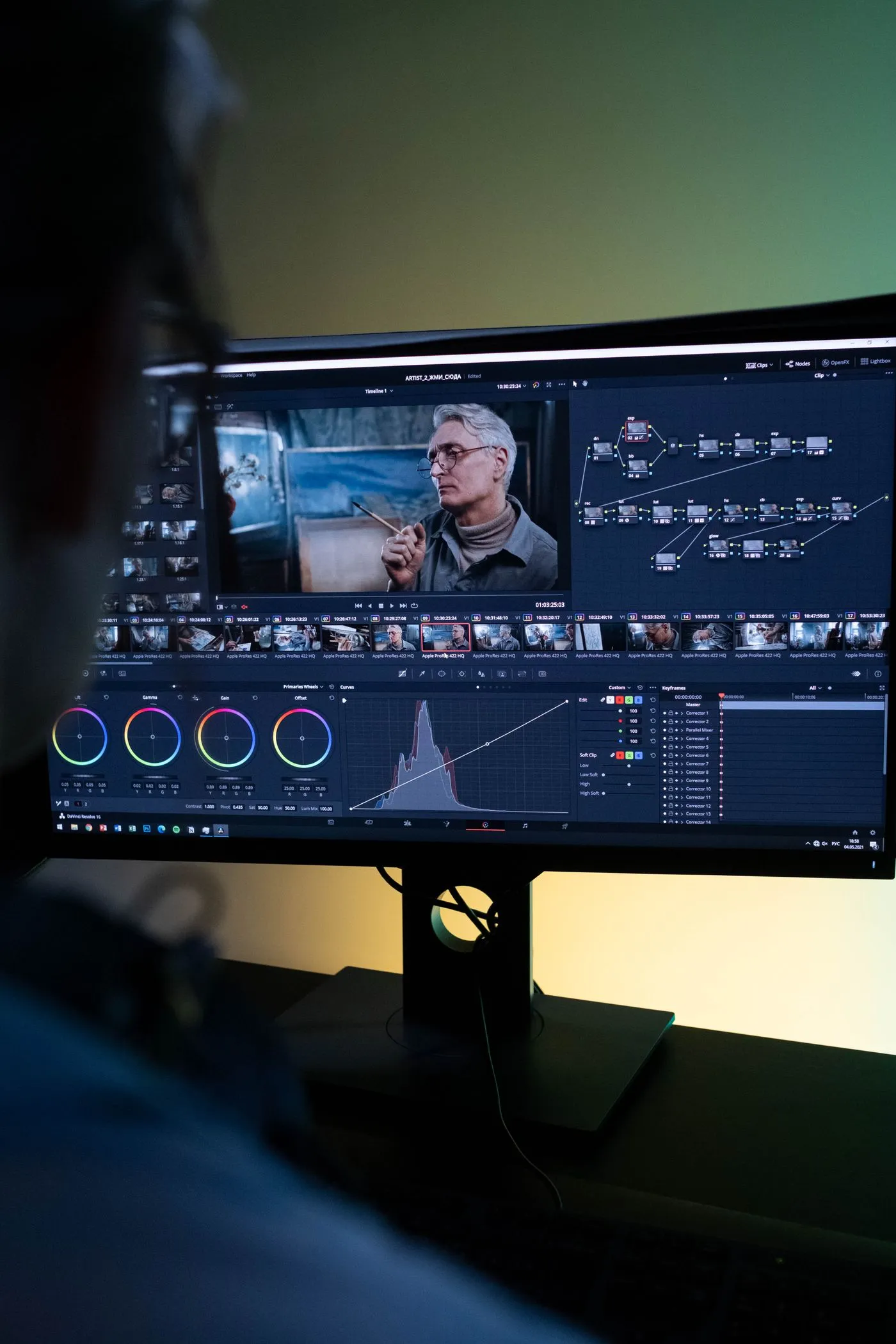
Choose DaVinci Resolve. The free version includes the same Color page that professional colorists use, with scopes, nodes and secondary corrections. Shotcut and Kdenlive can fix exposure and white balance but are not built for a serious grade. If you are new to the vocabulary, read color grading vs. color correction first.
If dialogue and sound matter
Resolve again, because the free version includes the Fairlight audio page for mixing and cleanup. Studio adds extras such as Voice Isolation, which free does not have. Shotcut is a decent second choice: it keeps its audio pipeline in 32-bit float, and version 26.9 (September 2026) added automatic audio ducking, which lowers music under speech. Whatever you pick, wear headphones while you cut. Bad audio sinks more films than bad pictures.
If your computer is slow, use proxies
A proxy is a small, low-resolution copy of each clip that you edit with, while the software swaps the originals back in for export. It is the single best fix for choppy 4K playback.
- Shotcut has built-in proxy editing. Turn on Use Proxy and it makes copies at your preview scaling height, or 540p if scaling is off.
- Kdenlive has proxy clips built in, and its recent releases kept fixing proxy bugs.
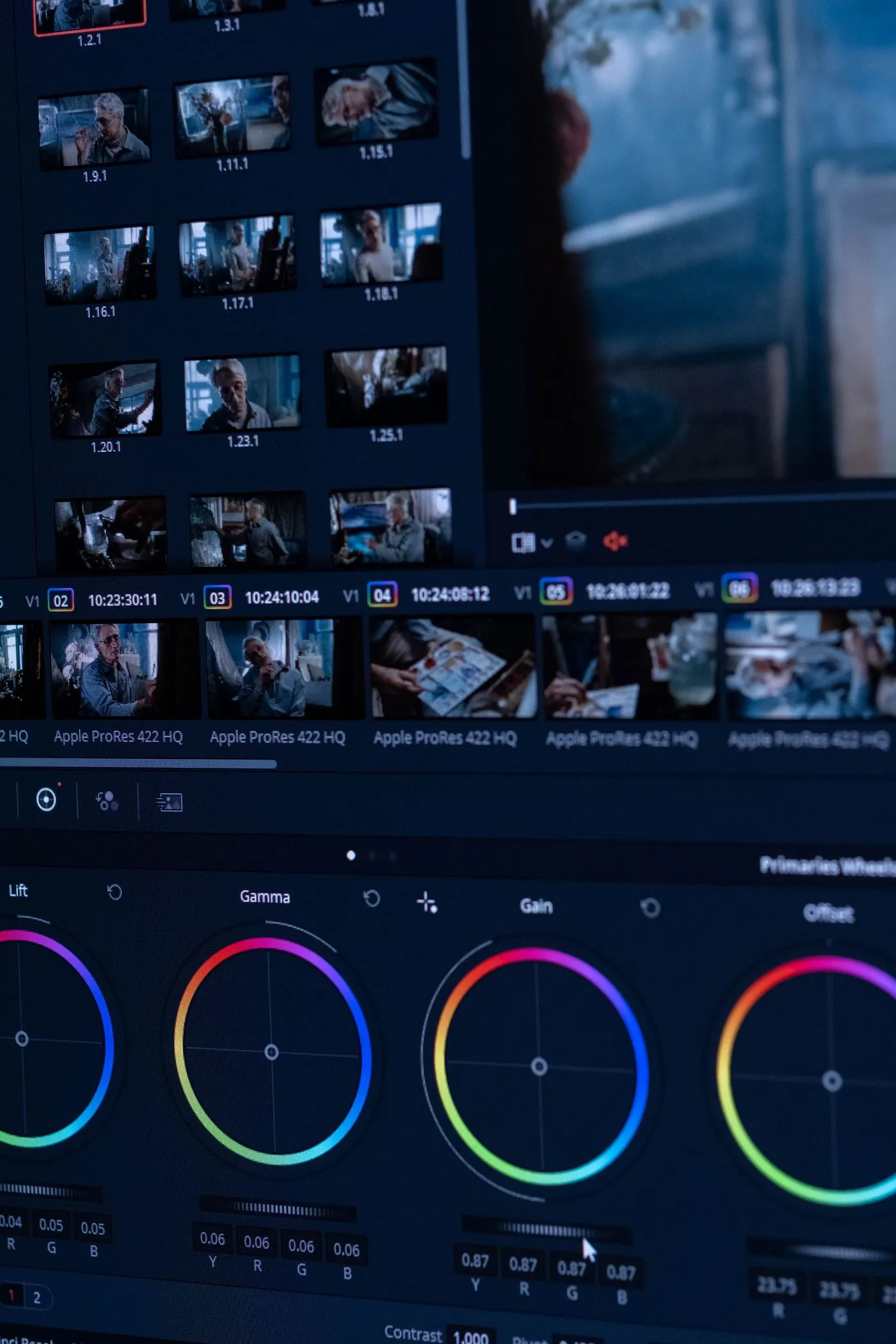
- Resolve generates proxy and optimized media too, but it still wants a stronger machine than the other two.
If you shoot 4K
Free Resolve exports up to UHD (3840 x 2160). True DCI 4K (4096 x 2160) and anything above UHD needs Studio. For most online and festival delivery, UHD is plenty. Shotcut, Kdenlive and iMovie also handle 4K, but your real constraint is the computer. See the system requirements below, and note that your camera choice decides how heavy your files are.
One warning: free Resolve does not support some high-bit-depth H.265 files, and it has no hardware-accelerated H.264 or H.265 decoding. Many mirrorless cameras record exactly that. Import a clip from your own camera before you commit. If it fails, edit with proxies or convert to an edit-friendly codec like DNxHR or ProRes using a free tool such as FFmpeg.
If you want to edit online or on a phone
"Video editing online free" mostly means Clipchamp or CapCut in a browser. Both are fast and easy, and both stop at 1080p on the free tier. Uploading hours of camera files is also slow. They suit trailers, social cutdowns and quick sketches more than a finished film.
If you are a complete beginner
Start with the easiest tool that does not trap you. iMovie on Apple devices and CapCut on a phone get you to a finished cut quickly. If you are on Windows and want something that will not run out of road, install Resolve and stay on its Cut page and Edit page until the basics click. Our film editing for beginners guide walks through the workflow in any software.
System requirements for free editors
Resolve is the hungriest, so here are its current minimums for version 21.
- Windows: 16 GB of RAM, and a GPU with at least 4 GB of VRAM (an integrated GPU counts), plus recent NVIDIA, AMD or Intel drivers.
- Mac: Apple Silicon only, macOS 15 Sequoia or later, 8 GB of memory minimum. Intel Macs are not supported in the 21.1 release.
- Linux: Rocky Linux 8.6, 32 GB of RAM and a discrete GPU with 4 GB of VRAM.
- Free version limits: Windows and Linux use a single processing GPU.
Minimums mean it runs, not that it runs well. For 4K timelines with color work, hardware testers generally recommend more RAM and a stronger GPU than the floor. Shotcut and Kdenlive run on far more modest machines, especially with proxies.
The free editors in detail
DaVinci Resolve
Resolve is a full post-production suite: cut, color, Fusion effects and Fairlight audio in one project. Version 21.1 added a large round of editing improvements, including multicam inside the timeline viewer. Studio costs $295 once, and the features it adds, such as temporal noise reduction and Magic Mask, are conveniences, not requirements. The cost of the free version is time: the interface asks more of a beginner than any other tool here.
Shotcut
Shotcut is open source, cross-platform and light. It does not look as polished as Resolve, but it handles 4K, supports proxy editing since version 20.06, and has no watermark. Version 26.9 arrived in late September 2026. It is the one I would hand to someone with an older laptop.
Kdenlive
Kdenlive is the open-source editor with the most conventional multitrack timeline. Version 26.08 came out on August 31, 2026, with timeline improvements and a focus on stability. It is funded by donations. If you edit on Linux, it is the natural choice.
OpenShot
OpenShot is the simplest of the open-source editors. Version 3.5 shipped in March 2026 with a faster timeline and better export and GPU support. It is fine for simple edits, but for a 4K short I would reach for Shotcut or Kdenlive instead.
iMovie
iMovie is Apple's free editor for Mac, iPhone and iPad. It is quick to learn, exports 4K, and projects move between devices. You will outgrow it when you need real color control or multiple audio tracks, and at that point Resolve is the natural next step.
Premiere on iPhone and Android
Adobe's mobile Premiere app is free to download. The iPhone version launched in late September 2025 with multitrack editing and 4K HDR support, and the Android version followed on September 22, 2026 (Android 13 or newer, at least 5 GB of RAM). Some generative AI features require a subscription after the free credits run out, but the core editor does not. It is a good place to build rough cuts on location.
CapCut
CapCut is excellent for captions, templates and short-form social video. The free tier exports at 1080p, and 4K and watermark-free export sit behind the paid plans, which cost roughly $10 to $20 a month depending on tier and region. Terms differ by platform, so check the export screen before you start.
Clipchamp
Clipchamp is Microsoft's browser-based editor, now pre-installed with Windows 11. Microsoft raised free exports to 1080p some time ago, and no tier offers 4K export. It is a handy sketchpad for quick edits, not a finishing tool.
Media Composer First
Avid's Media Composer is the industry-standard feature editor, and Media Composer First is its free entry tier. Trade coverage of the September 2026 release (2026.8) reported that First dropped its old track-count and resolution caps. I could not confirm the new limits, so read Avid's current terms before you rely on it. It is worth trying if you want to learn the system professional editors use.
Editors that are not free, but worth knowing
- Final Cut Pro is not free. It is $299.99 once on Mac, or $12.99 a month ($129 a year) in Apple's Creator Studio bundle with a one-month trial. The iPad version is subscription only.
- Premiere Pro on desktop is subscription software. The free Premiere mobile app is a different, simpler product.
- DaVinci Resolve Studio is the odd one out: a one-time $295 purchase you only need if you hit a specific limit.
Run a ten-minute test before you commit
Before you pick an editor for a real project, do this:
- Import a clip straight from your camera and play it on a timeline.
- Add a title, a simple color fix and some audio, then export one minute at your delivery resolution.
- Check the export for a watermark, the right resolution and in-sync audio.
If something fails, you have lost ten minutes instead of a weekend. Once you are cutting, pacing matters far more than which program you picked.
Final thoughts
You do not need to spend money to edit a good film. Install DaVinci Resolve if your computer can take it, Shotcut or Kdenlive if it cannot, and use iMovie or a phone app for quick work. The software will matter much less than the footage you shot and the choices you make in the cut.
Frequently asked questions
What is the best free video editing software?
For filmmakers, DaVinci Resolve. The free version includes full editing, color and audio tools, exports up to UHD 4K and adds no watermark. If your computer cannot run it, Shotcut and Kdenlive are the best lighter alternatives.
Is DaVinci Resolve really free?
Yes. The free version has no time limit and no watermark. The paid Studio version costs $295 once and adds things like noise reduction, multi-GPU support and more AI tools, but you can finish a full film without it.
Can I edit and export 4K video for free?
Yes. DaVinci Resolve, Shotcut, Kdenlive and iMovie all handle 4K footage for free, and free Resolve exports up to UHD (3840 x 2160). CapCut and Clipchamp cap free exports at 1080p.
What is the best free video editing software for beginners?
iMovie is the easiest start if you own an Apple device. On Windows, Shotcut is a gentler first editor than Resolve, though Resolve is worth learning if you plan to keep making films.
Is there a good free video editor that works online?
Clipchamp and the web version of CapCut run in a browser and are fine for short projects. Both limit free exports to 1080p, and uploading large camera files is slow, so serious film work is better done in a desktop app.