
Film Editing
Film Editing for Beginners: A Comprehensive Guide
By
Alex Darke
July 22, 2024 11:48 pm
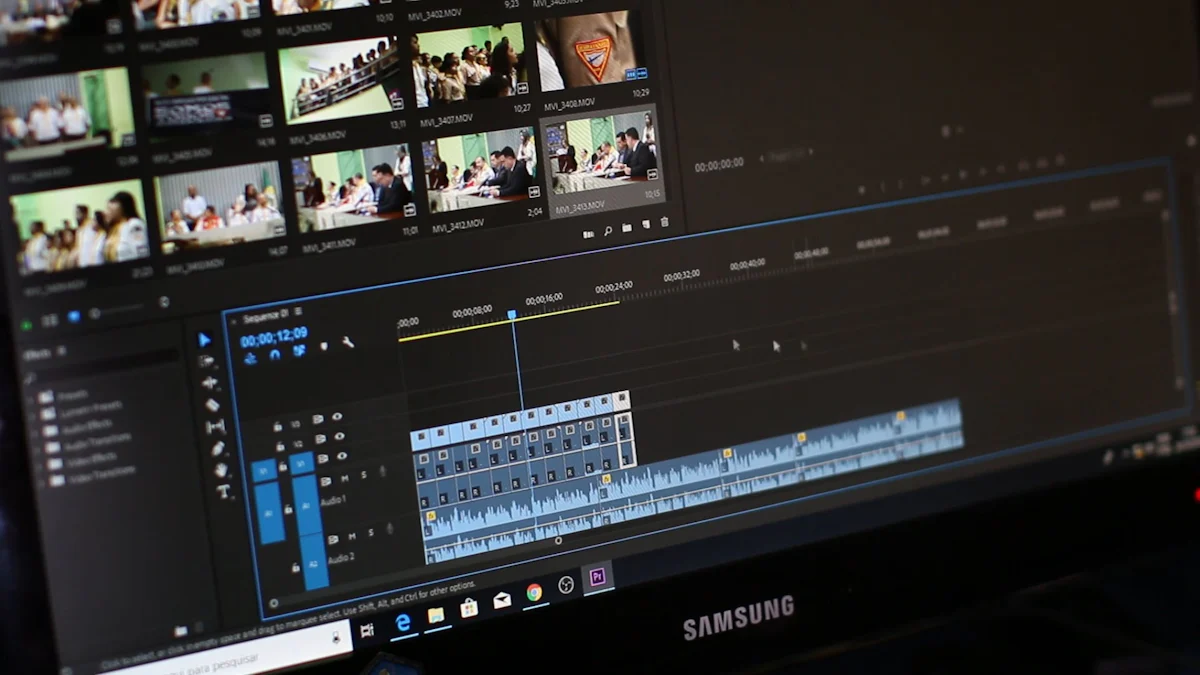
Image Source: pexels
Film editing for beginners means picking and joining shots carefully. This makes a story that flows well. Editing changes how the film looks, feels, and moves. It can make the story better or worse. How editing is done affects how viewers feel. Good editing can change how people see the film. The last part of making a movie is up to the editor.
Understanding Film Editing
What is Film Editing?
Definition and Purpose
Film editing means picking and putting shots together. This makes a clear story. Editors do this to make the film look and feel better. Editing turns raw clips into a finished movie. The goal of editing is to keep the story smooth, set the pace, and highlight important parts.
Historical Background
Film editing has changed a lot over time. D.W. Griffith brought in techniques like crosscutting and close-ups. These are still used today. The Kuleshov Effect showed how putting shots together can change what people think. This effect proved that editing can change feelings and ideas.
Soviet filmmaker Sergei Eisenstein created montage. Montage was used in propaganda films and shaped editing styles. The French New Wave liked trying new things and made jump cuts popular. Jump cuts broke rules by cutting scenes in unexpected ways.
The Role of a Film Editor
Key Responsibilities
Film editors have many jobs to do. They watch all the footage and pick the best parts. Then they put these parts together to tell a story that makes sense. Editors also keep the film's flow smooth and add transitions for better looks.
Editors work with directors to get the right vision for the film. They might also team up with sound designers for audio work. Making sure everything meets technical standards is key too. Editors need good time management to finish on time.
Skills Required
Film editors need many skills to be good at their job. They must pay close attention to details for smooth storytelling. Creativity helps make interesting stories. Knowing how to use editing software is important too.
Good communication helps them work well with others on the team. Problem-solving skills help fix issues during editing. Knowing film history makes their work richer, and staying updated with trends keeps them current.
Getting Started with Film Editing
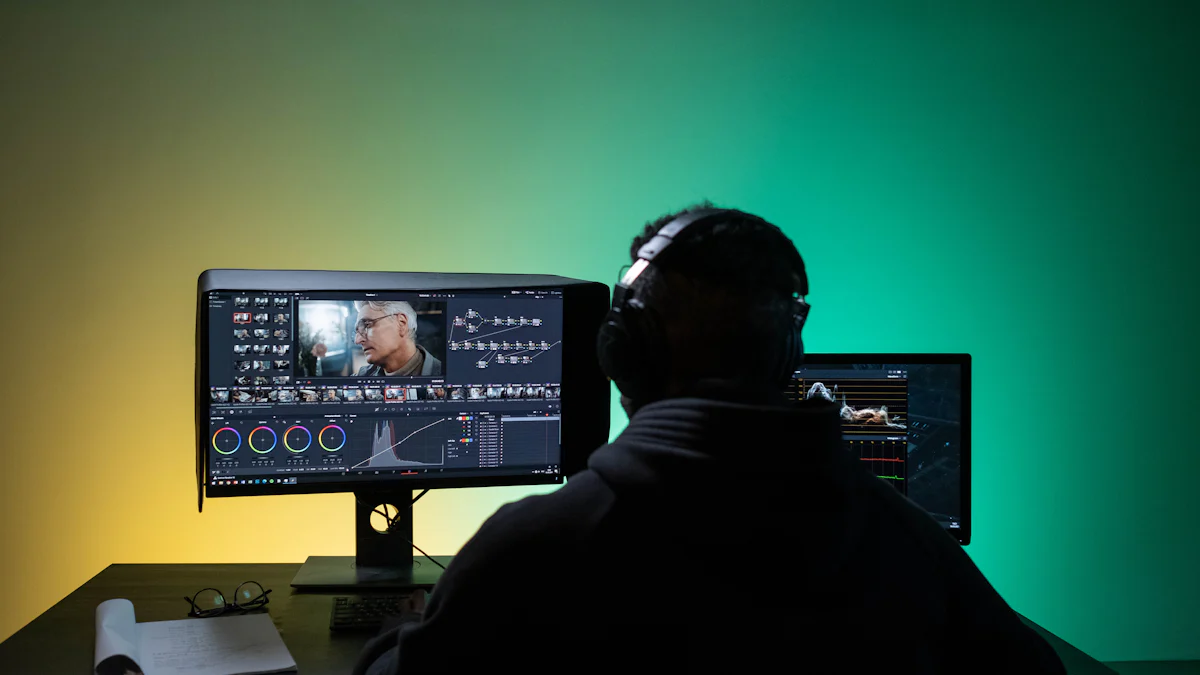
Image Source: pexels
Essential Tools and Software
Popular Editing Software
To start film editing, you need good software. Adobe Premiere Pro is a top pick. Experts love its strong features. Final Cut Pro is also great. It's easy to use. DaVinci Resolve has cool color tools. Beginners can try Luxea Pro too. It's simple to learn. Shotcut is free and has many features.
Basic Equipment Needed
You need some basic gear for film editing. A fast computer is a must-have. High-res monitors show details well. External hard drives give extra space. Good headphones help with sound work. A comfy chair and desk make long hours easier.
Basic Editing Techniques
Cutting and Splicing
Cutting and splicing are key in film editing for beginners. Cutting takes out bad parts of clips. Splicing puts clips together smoothly. These steps make the story flow well.
Transitions and Effects
Transitions and effects make films look better. Transitions link scenes nicely, like fades or dissolves. Effects add style to the video, like changing colors or adding filters. Use them wisely so they don't mess up the story.
Advanced Editing Concepts
Storytelling Through Editing
Pacing and Rhythm
Pacing shows how fast or slow a story goes. Editors change shot lengths to set the speed. Fast cuts make excitement and tension. Slow cuts build suspense and emotion. Rhythm is the pattern of these cuts. Steady rhythm keeps viewers watching. Uneven rhythm can surprise viewers.
Case Study: "Mad Max: Fury Road"
Mad Max: Fury Road uses quick cuts in chase scenes. This makes urgency and chaos. The film slows down for emotional parts. This helps viewers feel for characters. Balancing fast and slow pacing improves the story.
Continuity Editing
Continuity editing makes scenes flow smoothly. Editors match actions and details from one shot to another. This keeps the story clear and easy to follow. Bad continuity can confuse viewers.
Case Study: "The Dark Knight"
The Dark Knight uses good continuity with careful shot matching. In fight scenes, punches and moves align well. This keeps action real and smooth. Continuity editing keeps the film intense.
Sound and Music in Editing
Importance of Sound Design
Sound design adds depth to films with dialogue, effects, and background noise. Good sound design makes visuals better, while bad sound distracts viewers.
Case Study: "A Quiet Place"
A Quiet Place depends on sound design a lot. Silence builds tension, while small sounds like footsteps add danger. Good sound design makes the film more gripping.
Integrating Music and Sound Effects
Music sets mood, while sound effects add realism. Editors pick music and effects carefully to boost emotions.
Case Study: "Inception"
Inception uses Hans Zimmer's music for atmosphere. The "BRAAAM" effect adds intensity too. Together, they make dramatic moments stronger.
Practical Tips for Beginners
Image Source: unsplash
Common Mistakes to Avoid
Overusing Effects
New editors often use too many effects. This can distract from the story. Simple cuts and transitions are usually better. Effects should help the story, not take over.
"Less is more" fits film editing well.
Focus on a clear story first. Add effects carefully later.
Ignoring Audio Quality
Good audio is very important in film editing. Bad sound can ruin a video. Always check sound levels and clarity. Use good headphones to find problems. Reduce background noise. Make sure dialogue is clear and easy to hear.
"Sound is half the picture," said George Lucas.
Good audio makes films more engaging.
Resources for Learning
Online Tutorials and Courses
Many online resources help beginners learn film editing. Websites like YouTube have free tutorials. Channels like Film Riot and Peter McKinnon give useful tips. Platforms like Udemy and Coursera offer courses from basics to advanced skills.
"The internet is full of knowledge," says Kristen Chavez.
Online learning offers flexibility and expert advice.
Books and Articles
Books and articles also teach about film editing. Books like "In the Blink of an Eye" by Walter Murch offer deep insights. Articles from websites like No Film School and IndieWire share current trends and tips. Reading helps build strong theory knowledge.
"A well-read editor is a prepared editor."
Books and articles complement practice and online learning.
Starting film editing means learning basic skills and using the right tools. Practicing often helps you get better and more creative. Editing videos regularly makes you good at it. To become a film editor, you need to work hard and keep learning. Face challenges and ask for feedback to improve. Film editing has many chances for those who want to learn and try new things.

About the Author
Alex Darke is an Emmy-winning filmmaker, founder of the production company Momentous and owner of Filmmaking Central.

Filmmaking Central is a cutting-edge e-learning company dedicated to empowering aspiring filmmakers and content creators worldwide. With a robust library of comprehensive courses, expert-led workshops, and interactive learning materials, Filmmaking Central provides students with unparalleled access to industry professionals and innovative tools. By fostering an online community of passionate learners and storytellers, the platform aims to inspire creativity, develop essential skills, and ultimately cultivate the next generation of visionary filmmakers.
CONTACT
📍Las Vegas, NV
☎️ +1 888 494 5107
📧 hello@filmmakingcentral.com
SOCIAL
A Momentous Company © Filmmaking Central, All Rights Reserved. Here's our cookie policy page with all sorts of fun stuff. You know, privacy policy, disclaimer, and terms kind of stuff. Go back to the homepage or check out our courses and subscribe to our YouTube channel. You can also see our anti-SPAM policy, DCMA notice, earnings disclaimer, and affiliate disclosure.