The best pre-production software depends on how much money you are raising. For most indie filmmakers, a good setup is a script editor you already like, StudioBinder or a spreadsheet for shot lists and call sheets, and a proper budgeting tool once real money is involved. Paid industry standards like Movie Magic are worth it when financiers, bond companies or unions are part of the picture.
This guide covers scriptwriting, breakdown and scheduling, budgeting and production tracking tools, checked against current vendor information in October 2026. Prices and plan limits change often, so treat numbers as a guide and confirm on the vendor's site.
Quick picks: pre-production tools at a glance
| Job | Free or cheap pick | Professional pick |
|---|---|---|
| Screenwriting | WriterDuet or Celtx free plans | Final Draft 13 |
| Script breakdown and scheduling | StudioBinder, Celtx, or Filmustage's free trial | Movie Magic Scheduling |
| Shot lists and call sheets | Google Sheets, StudioBinder | StudioBinder, Celtx, Filmustage |
| Budgeting | Saturation (free Creator plan) | Movie Magic Budgeting |
| VFX or animation pipeline tracking | Not needed for most indies | Autodesk Flow Production Tracking |
What pre-production software actually does
Pre-production means everything between a finished script and the first shooting day. The software side comes down to four jobs:
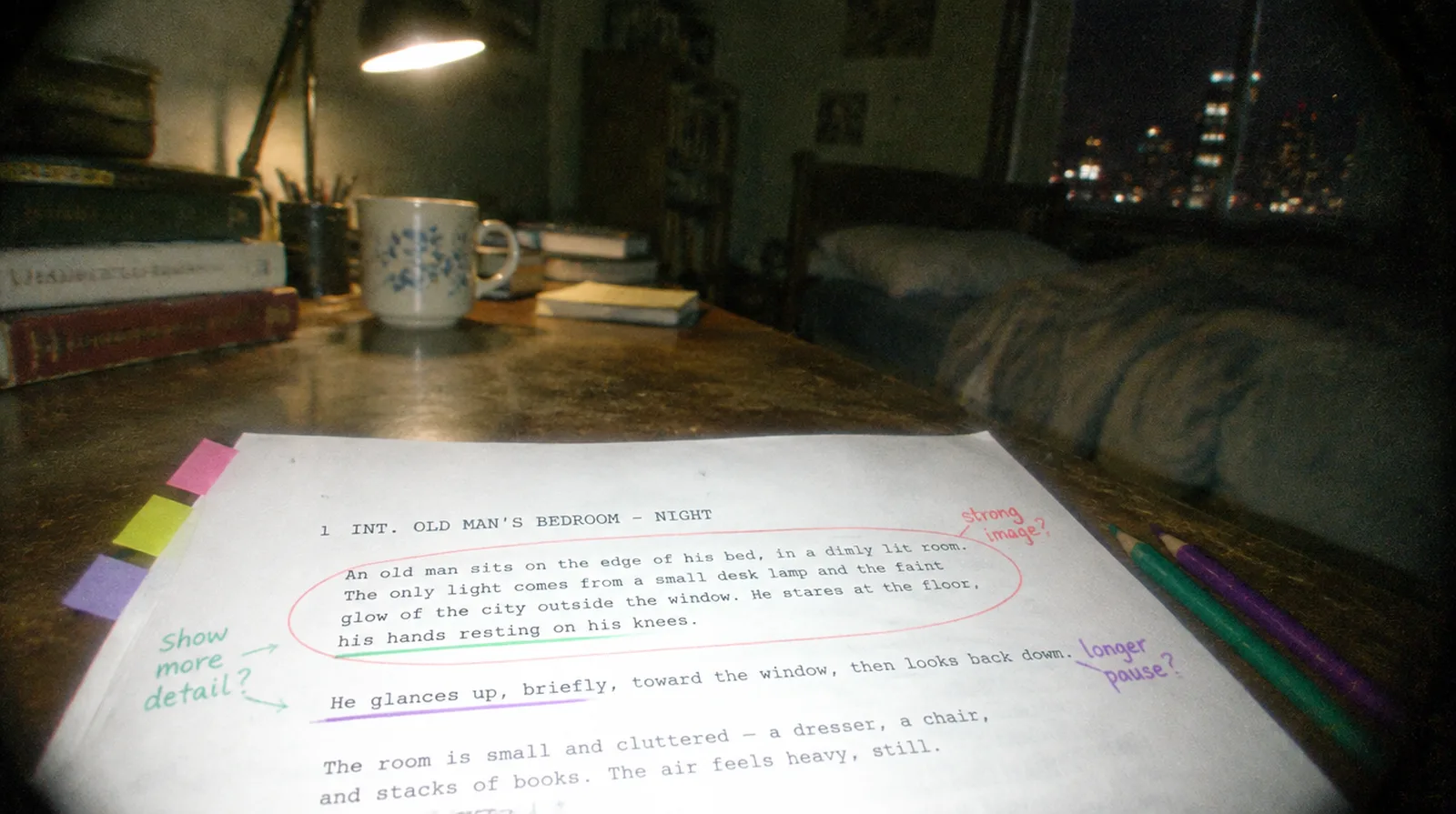
- Write and format the script to industry standard. If the story is not solid yet, a film treatment is the cheapest place to fix it.
- Break the script down (how to do a script breakdown) into the elements each scene needs: cast, props, wardrobe, locations, vehicles, effects.
- Schedule and budget from that breakdown.
- Communicate the plan through shot lists, call sheets and sides.
Good tools share data between these steps. When you change a scene in the script and the schedule updates by itself, the software has earned its fee. If you are earlier in the process, start with our step-by-step screenplay guide.
Screenwriting software
Final Draft
Final Draft is still the format most agents, producers and studios expect, and its files open everywhere. Version 13 is sold as a one-time purchase for the desktop app, and the mobile app is called Final Draft Go. Cloud storage and real-time collaboration are not part of the one-time version. Those come with the separate Final Draft Suite subscription, which has a 5-day free trial.
Pick it if you are writing for the industry, or collaborating with people who already own it. If you are writing a short film for yourself, it is more than you need.
WriterDuet
WriterDuet is browser-based and built for co-writing: two people can type in the same script at the same time and see each other's changes. It has a free plan with a limit on how many scripts you can keep, and paid tiers above that. It imports and exports Final Draft files, so you can start in WriterDuet and hand off later. It is the easiest way to write with a partner across the country.
Celtx
Celtx is the one that stretches furthest past writing. Besides the script editor, it offers beat sheets and storyboards, plus breakdown, catalog, shot list, schedule, cast and crew lists, call sheets, script sides and budget tools. Celtx has a free account and a 7-day trial of paid features. Its plan tiers have changed over the years, and the production planning tools sit on the higher, team-oriented plans, so check the pricing page for what the plan you want actually includes.
Pick it if you want one login for writing and planning, and your project is small enough that simple budgeting is enough.
Other screenwriting apps such as Fade In and Highland are also popular. They are fine, but the three above are the ones your collaborators are most likely to already have.
Script breakdown and scheduling software
A breakdown tags every scene with what it needs. A schedule then groups scenes so you shoot by location and cast availability, not in story order. Done by hand it takes days. Software cuts that sharply, but you still make the decisions. Our script breakdown guide has a free template if you want to learn the process by hand first.
Movie Magic Scheduling
Entertainment Partners' Movie Magic Scheduling has been the industry's stripboard for decades. The company released a redesigned version in 2025 (now Movie Magic Scheduling 10), with a cleaner layout, split-screen views, conflict alerts and tighter links to Movie Magic Budgeting. It is sold by subscription through the EP Store, at roughly $300 a year at the regular annual rate, with academic pricing available.
Pick it when you are scheduling a feature with a real crew and a financier who expects a standard stripboard.
StudioBinder
StudioBinder is a web-based production platform, and the easiest on this list to learn. It covers shot lists, storyboards, stripboard shooting schedules, call sheets that track who has opened them, script breakdowns, mood boards and contact lists. You can sign up free. Paid plans add more, but I would check the pricing page for current limits, since the free tier has changed before.
It is my default recommendation for small crews because the call sheet and shot list tools are genuinely pleasant to use. Our shot list guide shows how to build one before you put it in any software, and our call sheet guide has a free template for shoot days.
Filmustage
Filmustage uses AI to read your script and tag cast, props, locations, VFX and wardrobe. From there it builds a stripboard, a day-out-of-days report, budget line items with location-based estimates, call sheets and script sides, and it keeps them in sync when the script changes. It offers a free trial, and its homepage says customer data is not used to train neural networks.
AI breakdown is fast, but verify it. It will miss a prop that is only implied ("she pours the coffee" needs a pot and a mug), so read each scene yourself before you lock a schedule.
Budgeting software
Budgeting tools turn a breakdown into line items with rates, fringes and totals. If you are new to the numbers, read our film production budgeting guide first, because software cannot fix a budget you do not understand.
Movie Magic Budgeting
Movie Magic Budgeting is the file format financiers, studios and completion bond companies expect. It is a desktop program for Windows and Mac, with libraries, templates and fringe handling. On the EP Store it is listed at $42.99 a month, or $24.99 a month billed annually ($299.88 a year). It has no free tier. Pick it when you are raising outside money.
Saturation
Saturation is cloud-based and lets you build a budget in the browser, import an existing Movie Magic budget, and then track actual spending against it. It has a free Creator plan with one active project and one seat, which is enough to budget and track a single short or micro-budget feature. Paid plans add unlimited projects, integrations and expense tools such as cards and receipt capture.
Hot Budget and Celtx Budgeting
Hot Budget is aimed at commercials, promos and music videos. It compares a running budget with the original and logs actual costs. Celtx's budget tools are simpler, with less detailed union fringe handling, but they are fine if you are already planning in Celtx.
Production tracking: Flow Production Tracking (ShotGrid)
You may see Shotgun or ShotGrid recommended. Autodesk renamed it Flow Production Tracking in March 2024. It is built for tracking assets, tasks and review notes across VFX, animation and game pipelines. If you are shooting live action with a handful of VFX shots, it is overkill. A Google Sheet or StudioBinder task board will serve you better.
Which pre-production software should you pick by budget?
Zero budget (short films, first features): Write in the free tier of WriterDuet or Celtx. Plan shots and schedules in Google Sheets or StudioBinder's free account. Budget in Saturation's free Creator plan. This stack costs nothing and covers a short film comfortably.
Small budget (roughly under $50 a month in tools): Add a paid tier of whichever tool you outgrow first. For many people that is StudioBinder for polished call sheets, or Filmustage to speed up breakdowns on a longer script.
Financed or professional production: Use Final Draft for the script, Movie Magic Scheduling and Movie Magic Budgeting for planning, and StudioBinder or Filmustage for the call sheets and crew communication. Add Wrapbook or similar for payroll. At this level the cost is small next to the production budget, and you save arguments with financiers.
How to avoid wasting money on software
- Finish the script first. Breaking down and scheduling a script that is still changing wastes time. Lock the draft, then tag it.
- Always export PDFs. Keep a PDF copy of every schedule and budget version. If a subscription lapses or a site is down on set day, you can still read the plan.
- Use free trials during a real project. A tool feels different with your own script than with a demo.
- Pay for one tool you will use daily, not five you open once. Production runs on a few documents: the script, the schedule, the budget and the call sheet.
What about editing software?
Pre-production tools stop where the shoot begins. When you get to the cut, see our separate guide to the best free video editing software for filmmakers, which compares what each editor costs and what its free version includes.
Frequently asked questions
What is pre-production software?
It is software that helps you turn a finished script into a plan: breaking the script down into cast, props and locations, building a shooting schedule and budget, and producing shot lists and call sheets for the crew.
What is the best free pre-production software?
There is no single free all-in-one. A practical free stack is a free screenwriting plan (WriterDuet or Celtx), the free Creator plan from Saturation for budgeting, and Google Sheets or a free StudioBinder account for shot lists and schedules.
Do I need Movie Magic to schedule and budget a film?
Not for a short or a micro-budget feature. You will want it if you are raising outside money, working with unions or a completion bond company, because those parties expect Movie Magic files.
Can AI break down a script for me?
Yes. Tools like Filmustage tag cast, props, locations and VFX automatically and can draft a schedule. Treat the output as a first pass and read every scene yourself, because AI misses implied props and scene details.